Your First 30 Days with Healy: A Simple Guide to the Pink App, Blue App and HealAdvisor
Just got your Healy? Here's the order to start in, week by week, from someone whose family has used it daily for six years.

The day a Healy arrives, most people want to try everything at once. Please don’t. In six years of using Healy with my family, and helping many members of my team get started, I’ve seen one thing clearly. The people who get the most from it start simply and follow an order.
Here is that order, week by week. You get three apps with Healy: the Healy app (we call it the pink app), HealAdvise Analyse 2 (the blue app) and HealAdvisor. This guide shows when to use each one. The video above starts at the part where I explain them.
- Days 1–10Gold CyclePink app, one or two programs a day.
- Around day 7Create profilesBlue app, once for each family member.
- Week 2 onwardsScan page by pageSee which programs resonate most.
- Weeks 3–4Your own routineRun your top programs and scan again weekly.
Days 1 to 10: start with the Gold Cycle (pink app)
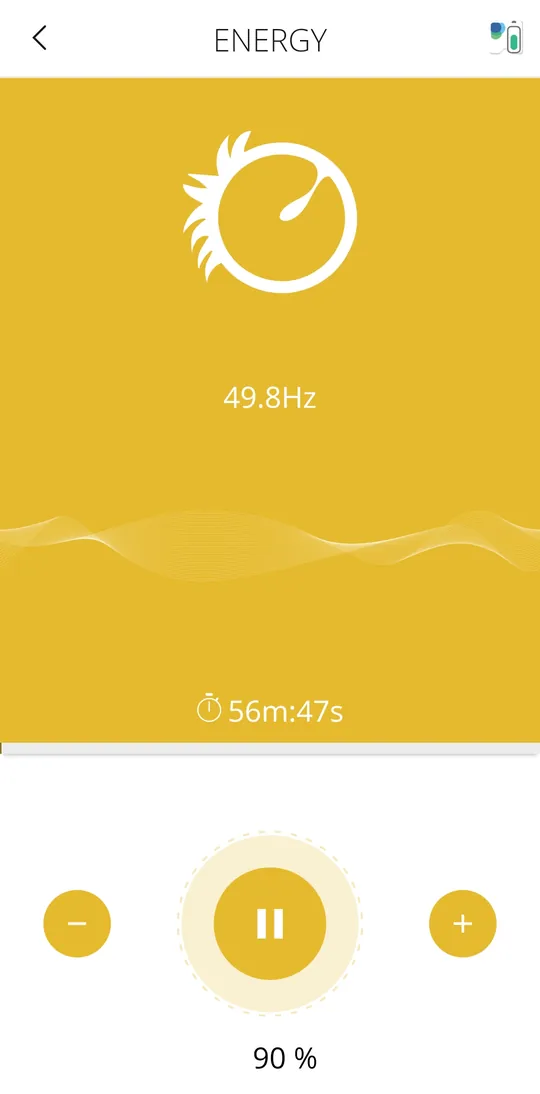
For the first week to ten days, use only the Gold Cycle. It’s a group of seven programs, included in every edition, and it prepares your body for the frequency programs that follow. You can read about each of the seven in our Gold Cycle guide.
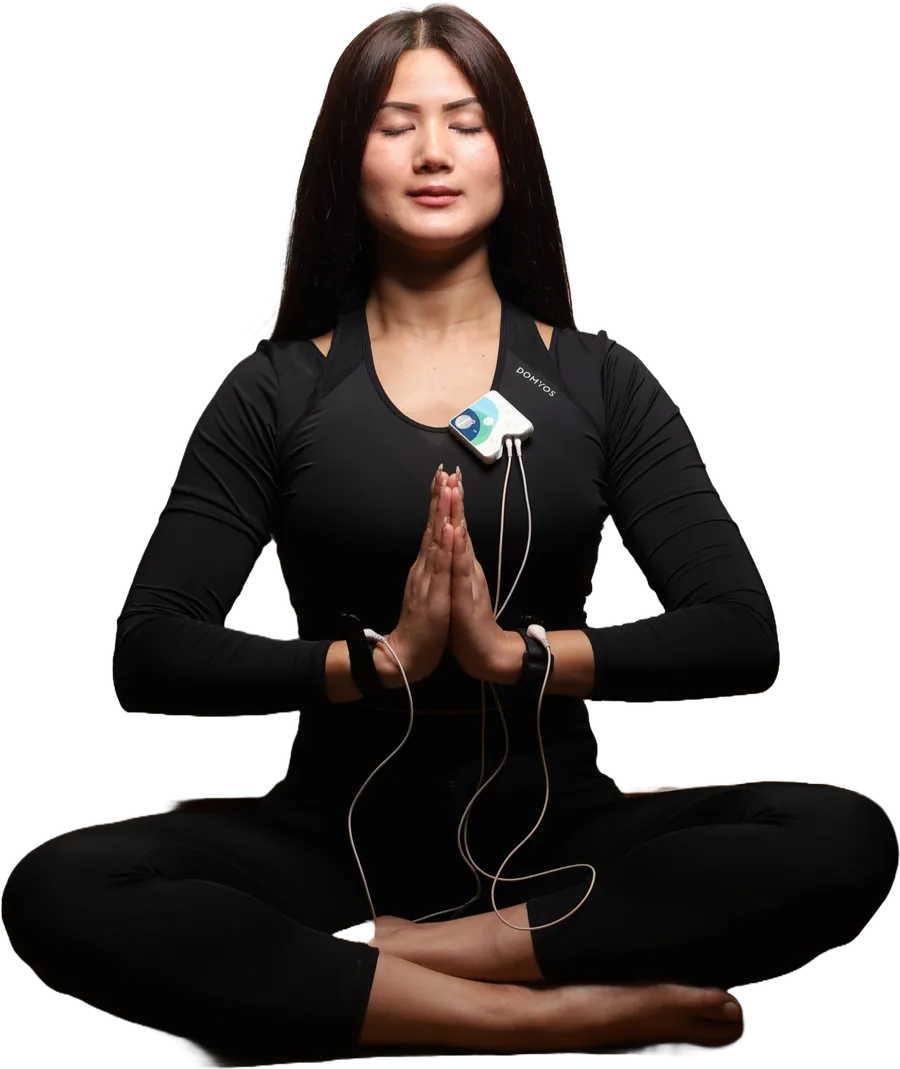
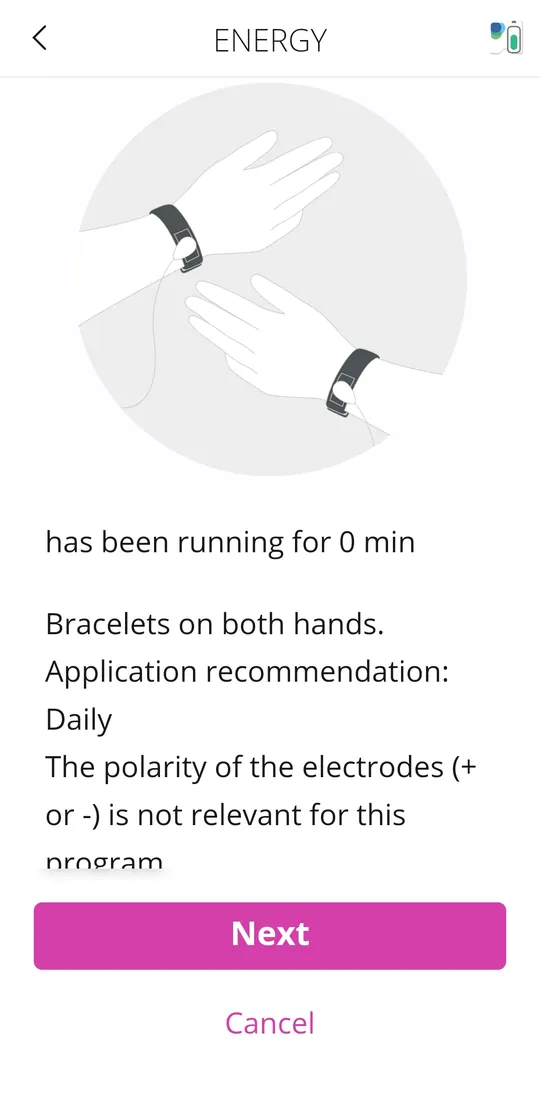
- How: open the Healy app, choose Gold Cycle and start a program. Wear the wristband, which connects to Healy with a cable. If you’d rather not have cables, the HighWave attachment works without them.
- How much: one or two programs a day. Each takes about 50 to 55 minutes, so one in the morning and one in the evening works well. Short of time? One a day is fine.
- If you’re healthy and using Healy for general wellbeing, one program every two days is also fine.
Once a program starts, you can close the app. It keeps running on the device.
Around day 7: create profiles in the blue app
While you’re still on the Gold Cycle, open the blue app and create a profile for each person: yourself first, then your family. It’s a one-time activity. This is the method our team’s blue app expert teaches.
- Connect Healy by Bluetooth. The connection icon turns green when it’s ready.
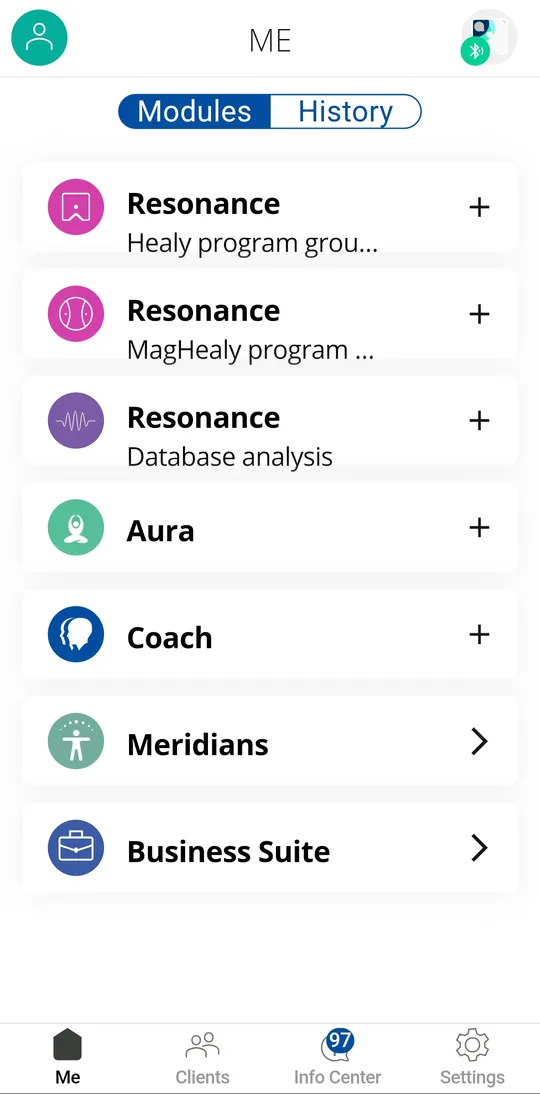
- Choose the person. Your own profile is under Me. For anyone else, go to Clients, tap + and choose Person.
- Record the vibration. Sit upright and still, with your feet flat on the floor and legs uncrossed. Hold Healy in your right palm, clip touching the skin and the “V” pointing up, and bring your palm to the centre of your chest. Healy records for about 10 seconds.
- Finish the profile. Add gender, date and place of birth, and a clear photo: plain light background, head and shoulders, looking at the camera.
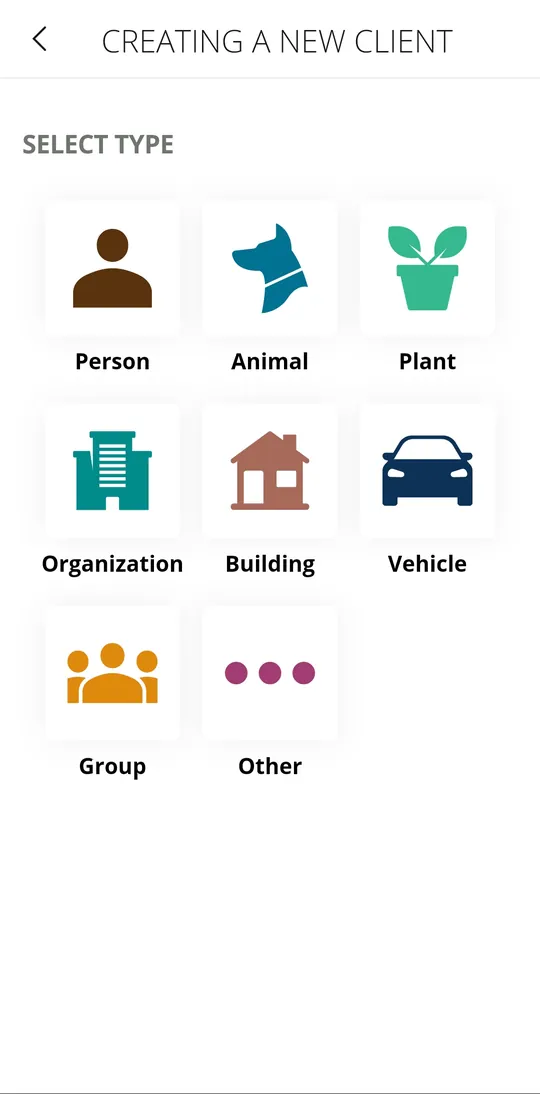
Why profiles matter: once a profile exists, you can use the blue app’s modules for that person wherever they are, in the same house or in another city. That’s what we call a remote wellness session.
One rule to remember: don’t use cables, the Coil or HighWave with the blue app. Those belong to the pink app.
Week 2 onwards: scan page by page
Healy’s programs are arranged in program groups. I call each group a “page”. The Gold Cycle is one page with seven programs. Bioenergetic Harmony 1 is another, with twelve. There are many more.
In the blue app, open Resonance – Healy, choose a page and start the analysis, with the person sitting in the same posture as before. The app shows, in percentages, which programs on that page resonate most with that person right now. Work through the pages calmly, one at a time.
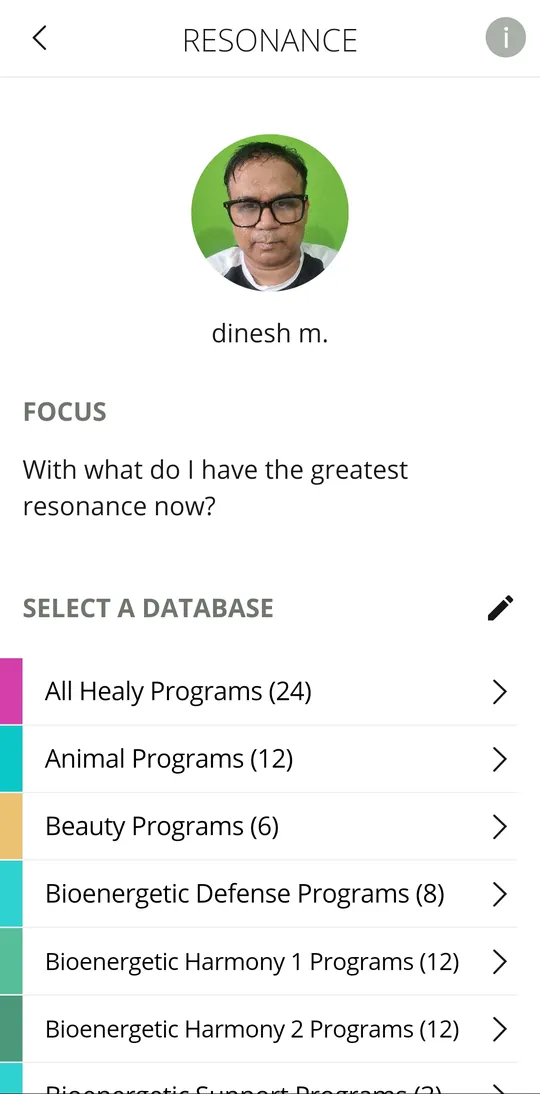
A resonance scan is an energetic snapshot, not a medical test. It doesn’t diagnose anything. It simply helps you choose programs. That’s why healthy people use it too, to find which programs suit them best.
Scans are organised by week and refresh every Monday. If last week’s scan seems to be missing, use the back arrow to step back through the weeks.
Weeks 3 and 4: turn your scan into a routine
Take the programs that came up highest and run them in the pink app, the same way you ran the Gold Cycle: one or two programs a day. Scan again every week or so, see what has changed, and adjust.
HealAdvisor: your search engine, any day
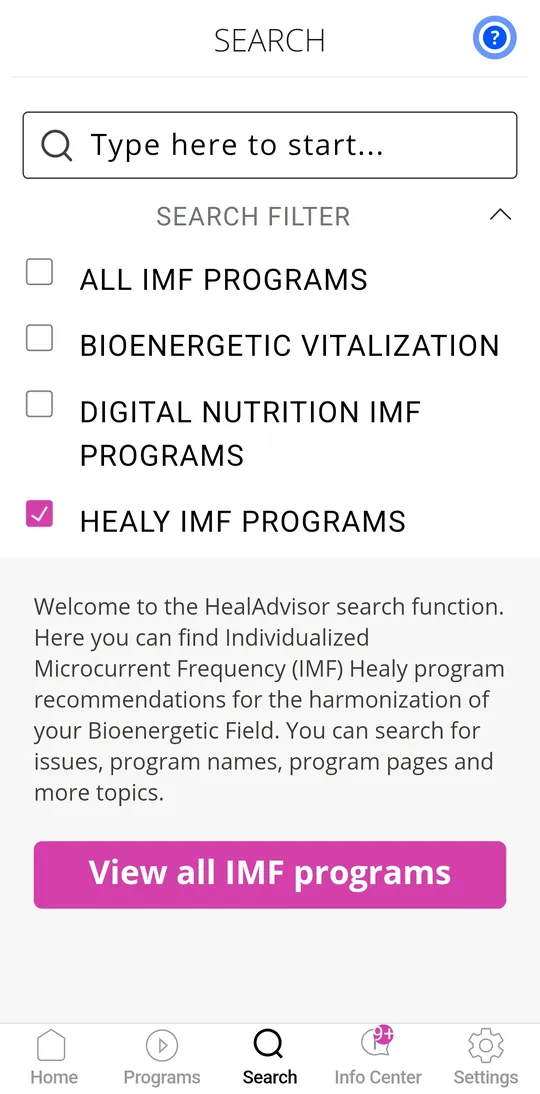
The third app is the simplest. Type a wellness goal, such as sleep, stress or focus, and HealAdvisor shows you the programs suited to it. Then run those programs in the pink app, morning and evening.
If you’re living with a medical condition, keep following your doctor’s advice. Healy programs can support your wellbeing alongside it, never instead of it.
Four first-month mistakes to avoid
- Trying everything on day one. Start with the Gold Cycle and build from there.
- Running too many programs a day. One or two is enough.
- Using cables, the Coil or HighWave with the blue app. They belong to the pink app.
- Rushing the profile. Sit still, hold the posture and use a clear photo. A careful profile is the foundation of every scan.
You don’t have to work it out alone
When you buy Healy through Team Healing4World, you also get our Beginner’s Guide, with videos and PDFs from unboxing to first steps. Team members can also join our expert Zoom with Dr. Raghu Arya every Wednesday at 9 PM, in Hindi. And every Healy buyer gets the official Healy Academy on my.healy.world.
Next week’s blog goes deeper into the blue app: the Resonance, Aura and Coach modules.
Your next step
Still deciding about Healy? Join our open Healy Zoom, every Saturday at 9 PM IST in Hindi, open to all. Send me a WhatsApp message and I’ll share the link. Already have Healy and stuck on a step? Message me and I’ll help.
 Dinesh MishraSenior Vice President (IHWM), Healy World · Founder, Team Healing4World26 years teaching mathematics to IIT aspirants, 750+ IIT selections · Three-time Golden Circle Leadership Award, APAC
Healy and MagHealy are wellness devices. They are not intended to diagnose, treat, cure or prevent any disease. The experiences shared here are personal and individual experiences vary. For any medical concern, please consult a qualified professional.