
Three apps. One simple routine.
Healy runs from your phone. One app runs the programs, one analyses and personalises, and one helps you find the right program. Here's which is which.
 Healy 2
 HealAdvise Analyse 2
 HealAdvisor
Healy 2
Runs your programs
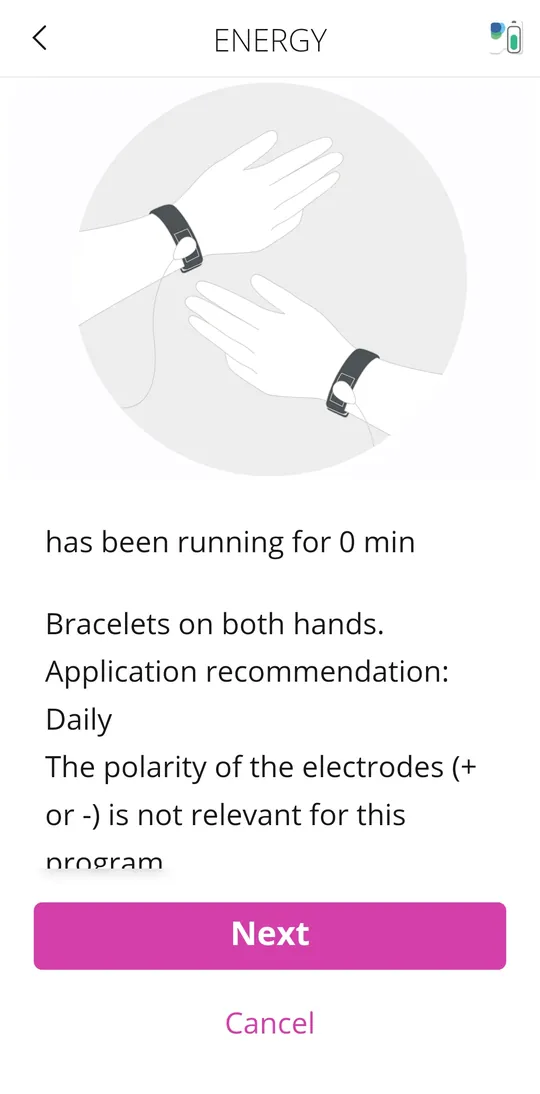
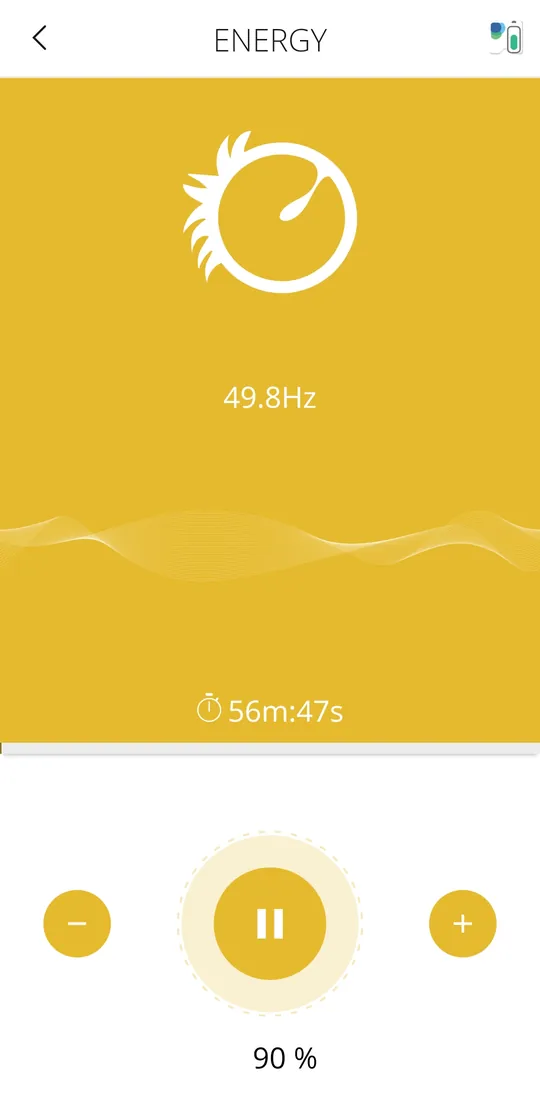
This is the app you'll open every day. It connects to Healy and MagHealy by Bluetooth, shows how to place the electrodes, and runs the program at the intensity you choose.
- Start and stop programs on Healy and MagHealy
- Clear pictures showing where to place electrodes
- Adjust intensity and see the time remaining
HealAdvise Analyse 2
Analyses and personalises
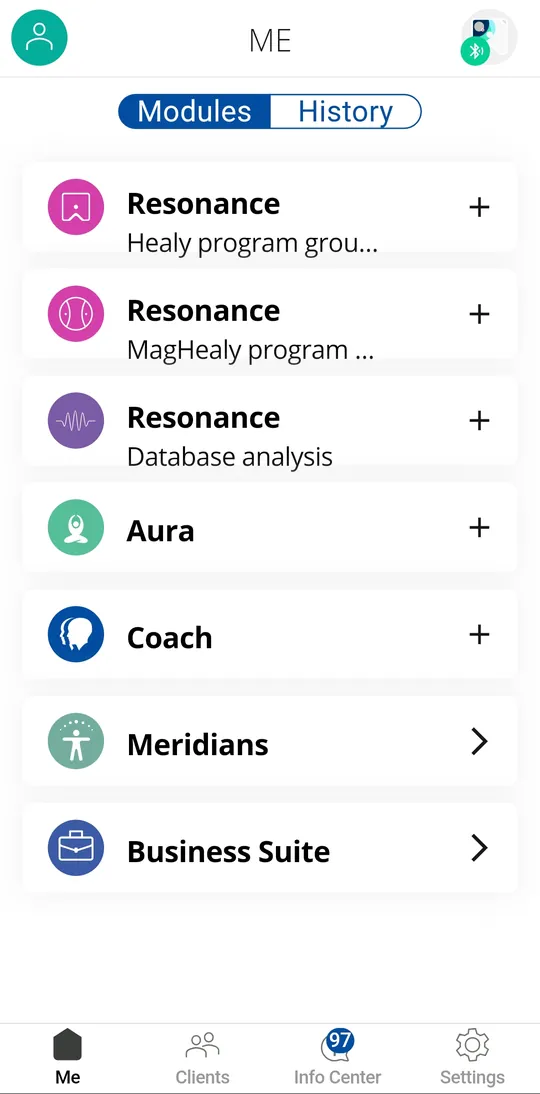
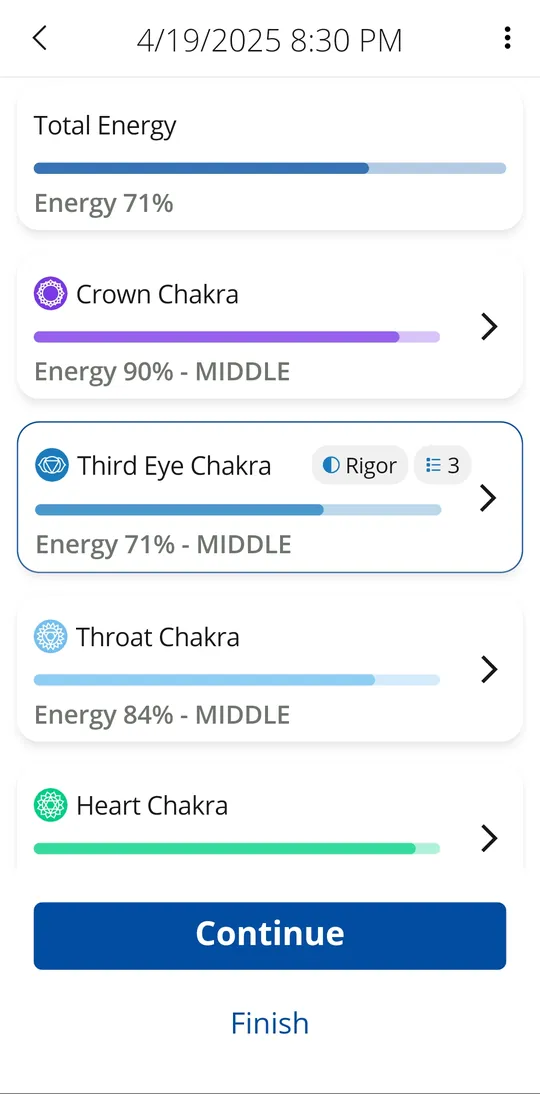
The analysis app. Depending on your edition it unlocks Resonance, Aura and Success Coach analysis, and keeps a separate profile for each person, and even for pets, plants and your home.
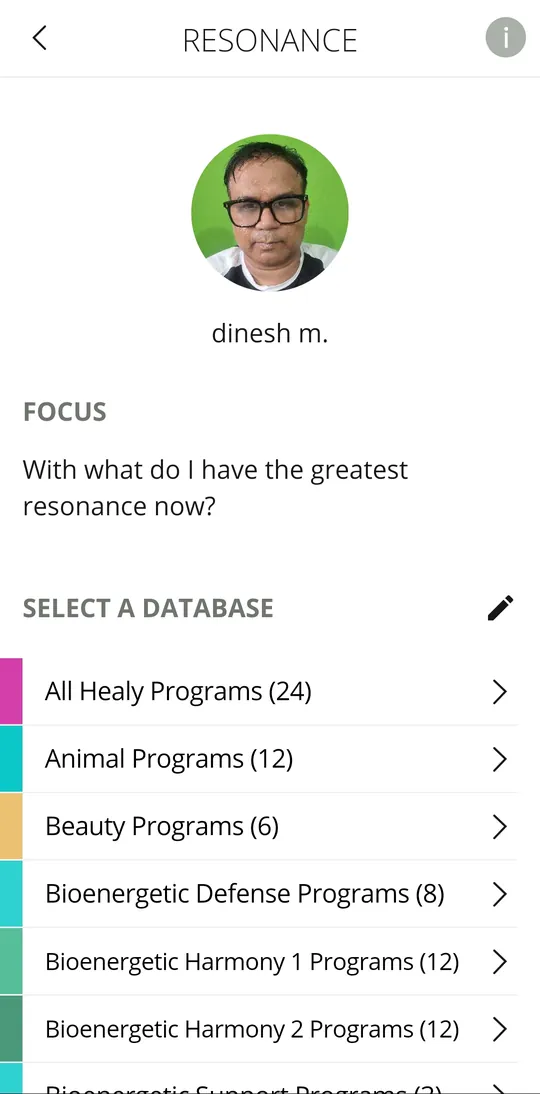
- Resonance analysis across Healy and MagHealy programs and databases
- Aura analysis with a chakra-by-chakra energy view
- Coach analysis built around your own focus text
HealAdvisor
Finds the right program
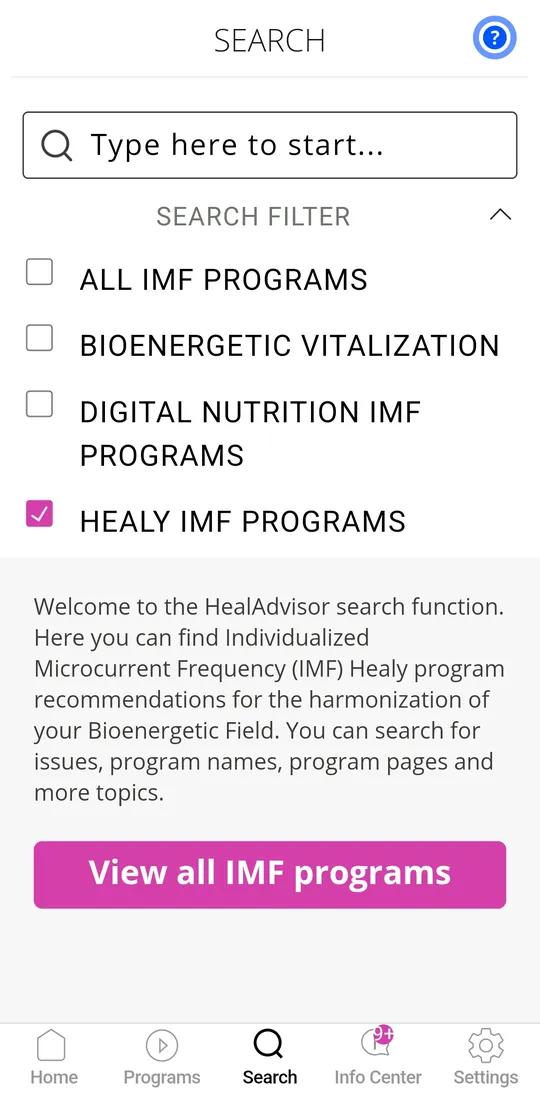
A search engine for Healy programs. Type a topic and HealAdvisor suggests suitable programs from your edition, so you don't need to know all of them by heart.
- Search by topic, program name or program group
- Results filtered to the programs in your edition
- Program pages with background for each program
Set up in five steps
Do this once, and every session after takes a few taps. If you get stuck, message us and we'll walk you through it on a call.
- 1
Charge Healy
Give the device a full charge before the first session.
- 2
Install the apps
Search for Healy 2, HealAdvise Analyse 2 and HealAdvisor in the App Store or Google Play.
- 3
Sign in and pair
Log in with your Healy World account, switch Healy on and pair it in Healy 2 by Bluetooth.
- 4
Run a first program
Start with a gentle daily program, such as one from the Gold Cycle, using the wristbands.
- 5
Create your profiles
In HealAdvise Analyse 2, add a profile for yourself and each family member.
The apps, answered
Do I need all three apps?
Do the apps work on iPhone?
Which app does MagHealy use?
Which analysis modules will I have?
Can someone help me set up?
Need a hand with setup? We're here.
Every Healing4World customer gets a setup call and help with their first sessions. Already a Healy user? Ask us anyway.
Orders are placed on the official Healy India shop, operated by DHC Medical Service Private Limited. Ordering from outside India? Use the international shop.