Healy Pink App vs Blue App: Which Does What?
The Healy app runs your frequency programs; HealAdvisor Analyse helps you choose them. Here's how the two apps work together.
 Dinesh Mishra
· 2 min read
New Healy users often ask: “Which app should I use?” The answer is both, because they do different jobs.
The pink app: Healy
The Healy app, with its pink icon, is where you run programs. Connect your Healy by Bluetooth, choose a program group, pick a program and start it. You can then close the app: the program runs on the device itself.
Use it for:
- your one or two daily frequency programs,
- applications with the wrist bracelets, ear clips, adhesive electrodes, the Healy Coil or HighWave,
- programs you’ve saved as favourites.
The blue app: HealAdvisor Analyse
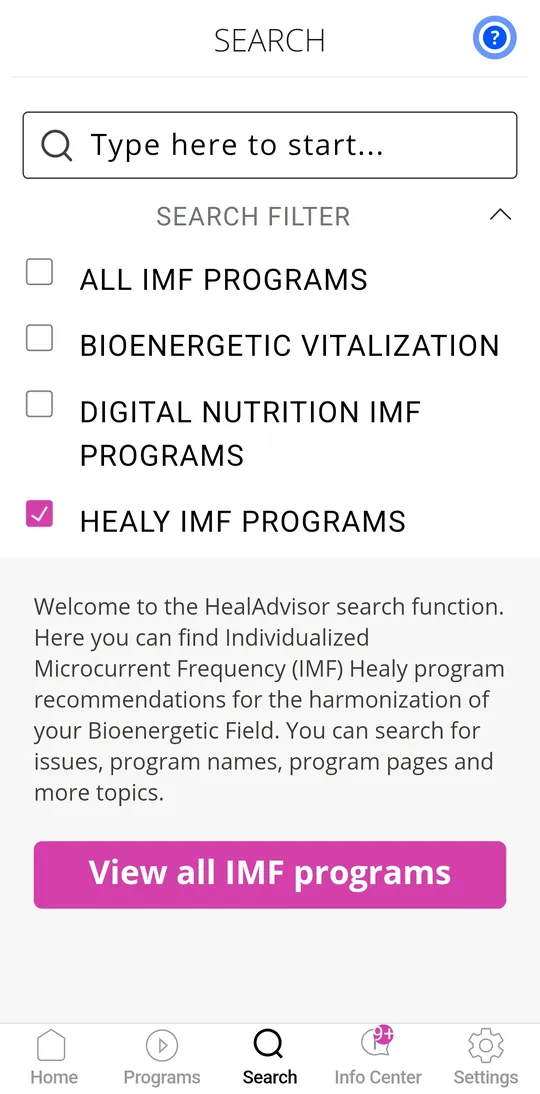
The HealAdvisor Analyse app, with its blue icon, helps you choose. It offers a resonance analysis in the information field and suggests the programs you currently resonate with, along with modules such as affirmations, aura and chakra views, and coaching content, depending on your edition.
Use it for:
- finding your top programs for this week,
- affirmations and personal coaching modules,
- keeping profiles for family members.
How they work together
- Open the blue app and run an analysis.
- Note the programs with the strongest resonance.
- Open the pink app and run one or two of them during the day.
Repeat the analysis every week or two as your needs change. For screenshots and a step-by-step setup, see our Healy apps page.
The analysis features work in the information field and are not a medical diagnosis. Healy programs are designed to support wellbeing; they are not medical applications.